Panel zoom
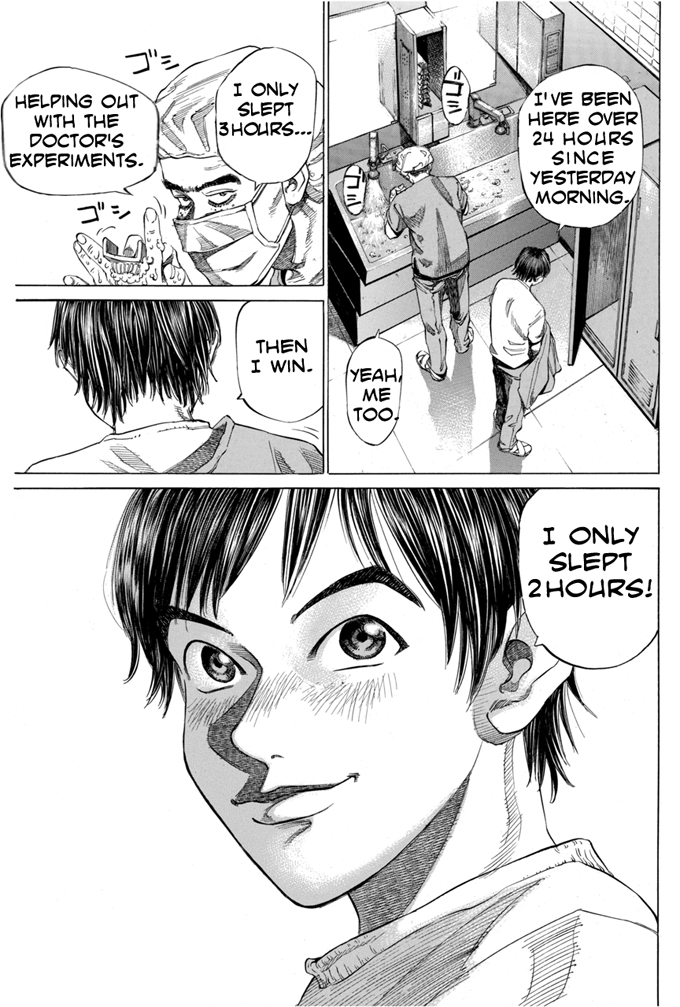 Full page view
Tap or click any panel to open a close-up over the page. Tap the close-up again to return. With a keyboard, tab to a panel and press Enter; press Escape to return.
 Support on Ko-fi
Komga and Kavita are great file browsers, but reading comics on a phone still means pinching and panning across tiny text. Comics Now! is a self-hosted CBZ/CBR/PDF server that uses local AI to detect panels and speech bubbles automatically—paired with a browser-based visual editor when you want to tweak the reading order yourself.
Public-domain and open-licensed pages, loaded locally. No account and no upload. The GVE editor is designed for a desktop browser.
Docker Compose, Docker CLI or npx. Node and SQLite underneath, with no JVM and no paid tier.
services:
  comics-now:
    image: ghcr.io/comicsnow/comics-now:latest
    container_name: comics-now
    ports:
      - "3000:3000"
    volumes:
      - ./data:/app/data
      - /path/to/your/comics:/comics:ro
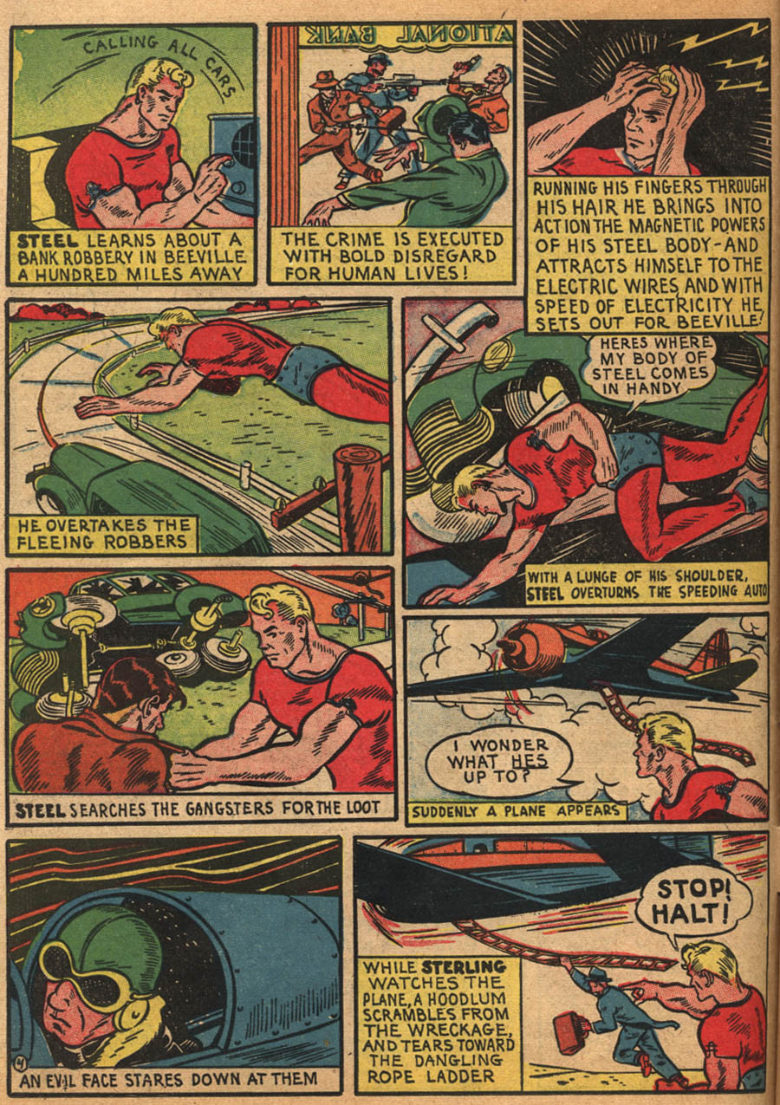
restart: unless-stoppedTwo samples from the reader. Tap a panel in the manga page or a bubble in Zip Comics and a close-up opens over the page. Tap the close-up to return. The rest of the app is in the contents.
Full page view
Tap or click any panel to open a close-up over the page. Tap the close-up again to return. With a keyboard, tab to a panel and press Enter; press Escape to return.
 Full page view
Tap or click any speech bubble to open a close-up over the page. Tap the close-up again to return. With a keyboard, tab to a bubble and press Enter; press Escape to return.
Comics Now! finds panels and speech bubbles on its own. When it misses a tricky one, open GVE Now! in the same browser, drag the box, and save. The reader has the change on the next page.
drag to fix
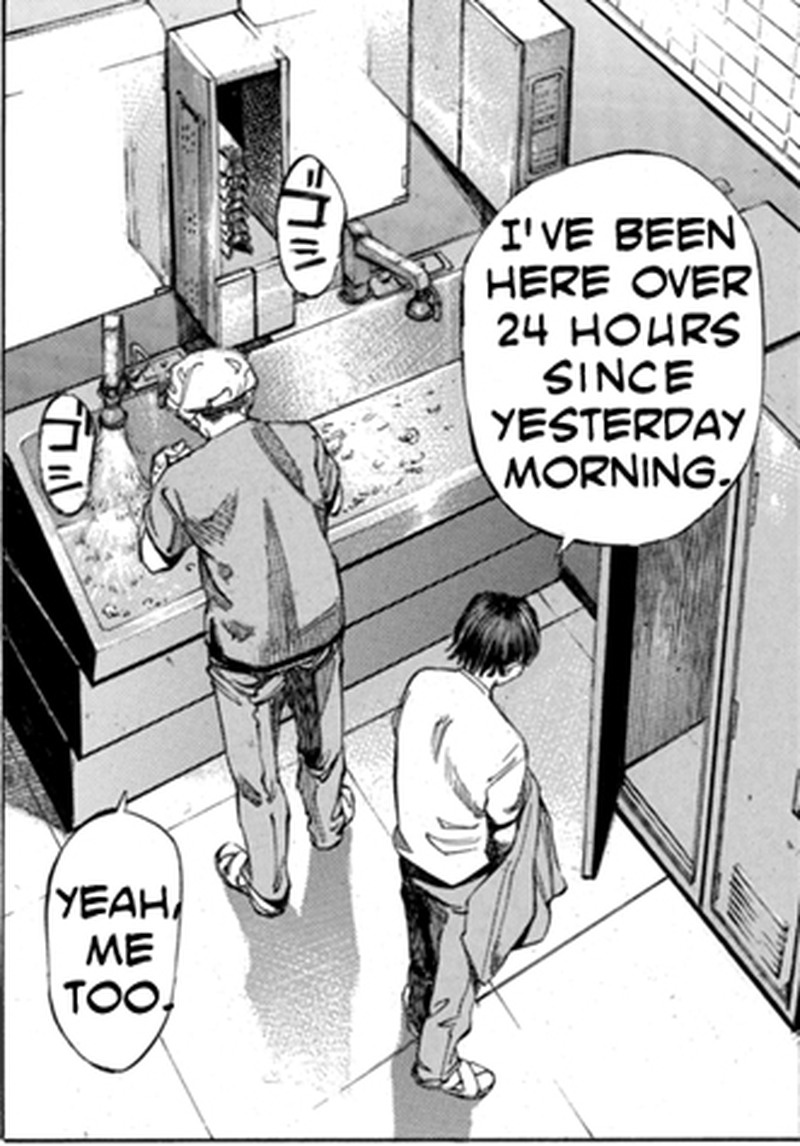
GVE Now! is designed for a desktop browser. The reader is the phone-first half.
The parts that matter after you have scanned ten thousand pages. No dashboards, no busywork.
Local ONNX models find the boxes on every page. Tap one and it fills the screen, in right-to-left manga or western comics.
See how a tie-in connects across series and publishers, and which issue to open next.
ComicVine, Metron and the Grand Comics Database, with Gemini cover matching when the filenames are wrong.
Sixty-plus tools let Claude, Gemini CLI or Cursor search the library, fix tags and build reading lists.
Convert to streamable CBZ once. Keep or delete the originals, with separate rules for CBR and PDF.
Resumable downloads for tablets, plus monochrome and color display modes for Boox, Kobo and PocketBook.
Eight differences that matter. We win some, they win some. Pick the tool that fits how you read.
Feature comparison between Comics Now!, Komga, Kavita and Ubooquity, as of v3.1.0.
Swipe sideways to compare all four readers
| Capability | Comics Now! | Komga | Kavita | Ubooquity |
|---|---|---|---|---|
| AI panel and bubble zoom | Built inLocal ONNX or Modal GPU | No | No | No |
| Visual zoom-box editor | Built inGVE Now!, in the browser | No | No | No |
| Crossover reading map | Interactive graph | Flat lists | Flat lists | No |
| Multi-source auto-tagging | Built inComicVine, Metron, GCD and Gemini | External tools | Kavita+, a paid add-on | No |
| AI agent and MCP tools | 60+ tools | No | No | No |
| Dedicated E-Ink modes | Monochrome and color | No dedicated mode | Themes only | No |
| OPDS and EPUB support | Not yet | OPDS and EPUB | OPDS and EPUB | OPDS and EPUB |
| Runtime and license | Node and SQLiteAGPL-3.0 | JVMMIT | .NET and SQLiteGPL, plus a paid tier | JavaFreeware, unmaintained |
If OPDS clients and EPUB novels are must-haves today, Komga and Kavita are the better tools for that job. Comics Now! is built around the reading view, the editor and AI-assisted cataloguing.
If yours is not here, open an issue on GitHub and ask directly.
Open an issueThey are better if you need OPDS clients, EPUB novels and a large ecosystem of third-party apps. Comics Now! is built for reading comics on a phone: local AI finds panels and speech bubbles, a visual editor fixes the misses, and a reading map shows how crossover issues connect. You can run all three and pick the reader you prefer.
No. The detectors run locally on your CPU or GPU, and pages can also go to Modal serverless GPUs so a large import does not slow down your home server.
Comics Now! converts RAR/CBR and PDF files into streamable CBZ archives with page integrity checks. You can keep or delete the originals, with separate rules for each format.
Yes. The server and the editor are AGPL-3.0, with no account and no paid tier. You bring the hardware, the comics and, if you want cloud tagging or detection, your own API keys.